ReceiptScan
Transform receipts into organized data with Apple Intelligence. Extract totals, tax, and merchant info, then sync to Numbers, Google Sheets, or Notion.
What You Get
Smart Scanning
Snap a photo of any receipt or invoice and let AI do the rest.
Merchant Detection
Automatically identifies store name and purchase details.
Amount Extraction
Extracts total amount, tax, and date from your receipts.
Numbers Integration
Sync data directly to Apple Numbers for easy tracking.
Google Sheets (Pro)
Optional: Export to Google Sheets via AppScript webhook.
Notion Support (Pro)
Optional: Log expenses directly to your Notion database.
How it works
See exactly how ReceiptScan works from start to finish
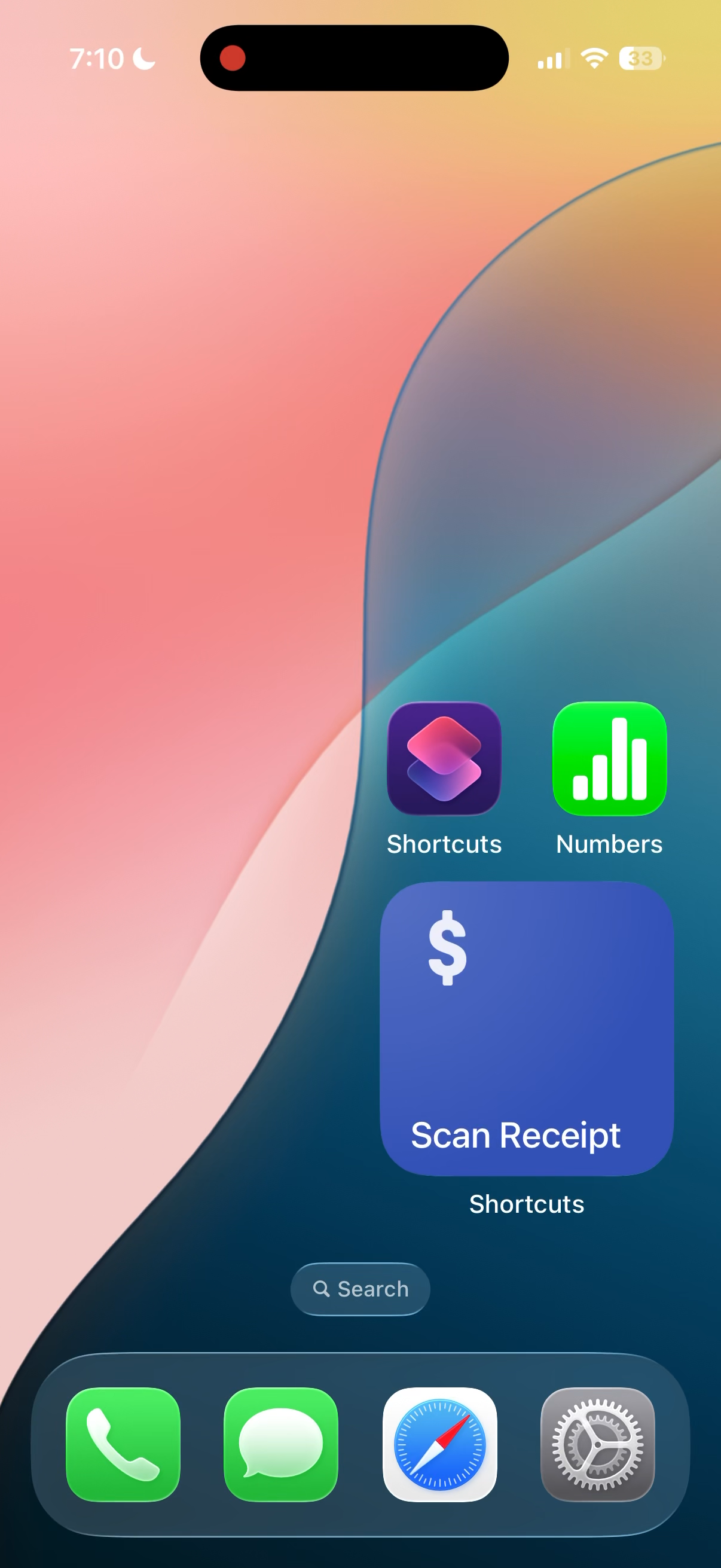
Run the Shortcut & Select Photo
Run ReceiptScan
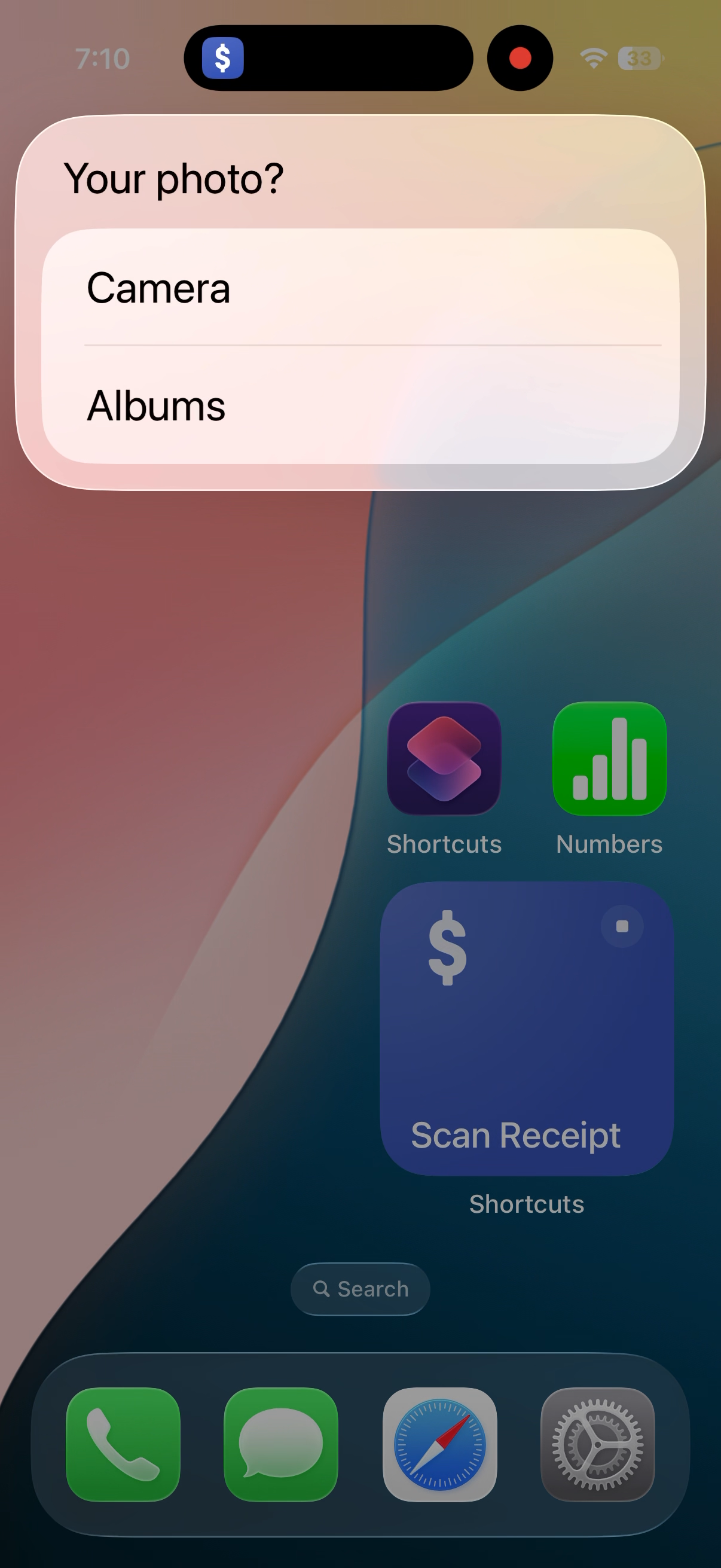
Choose photo source
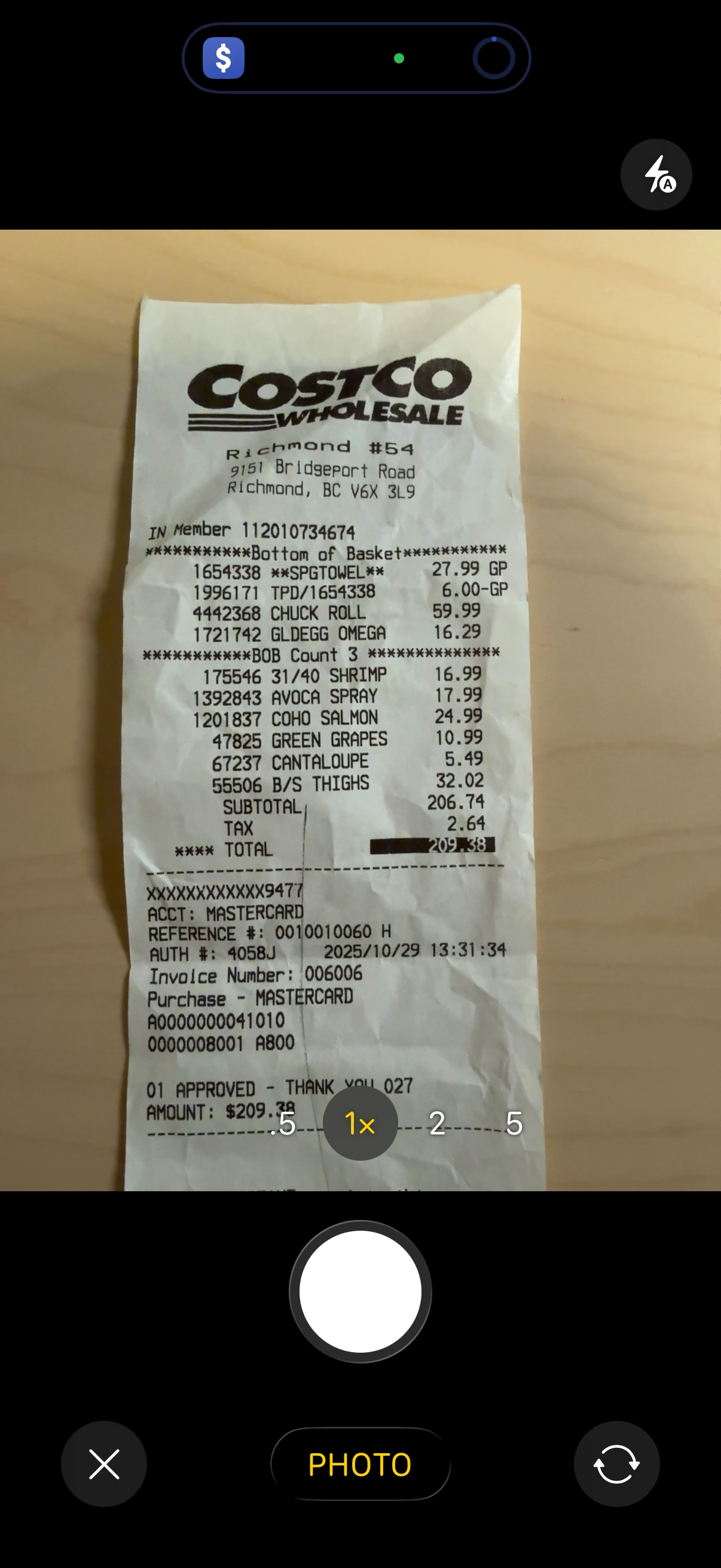
Scan your receipt
AI Analyzes & Verify Data
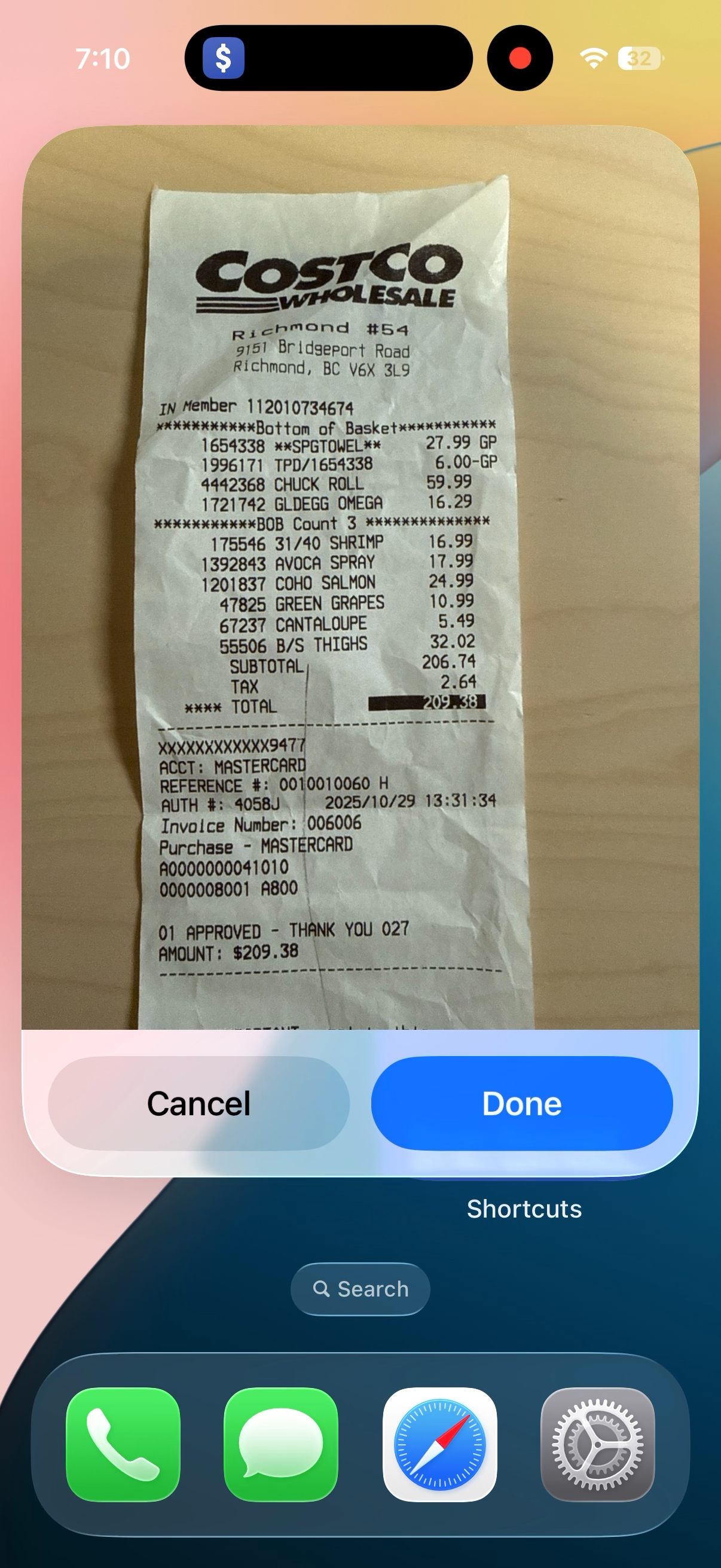
Review extracted data
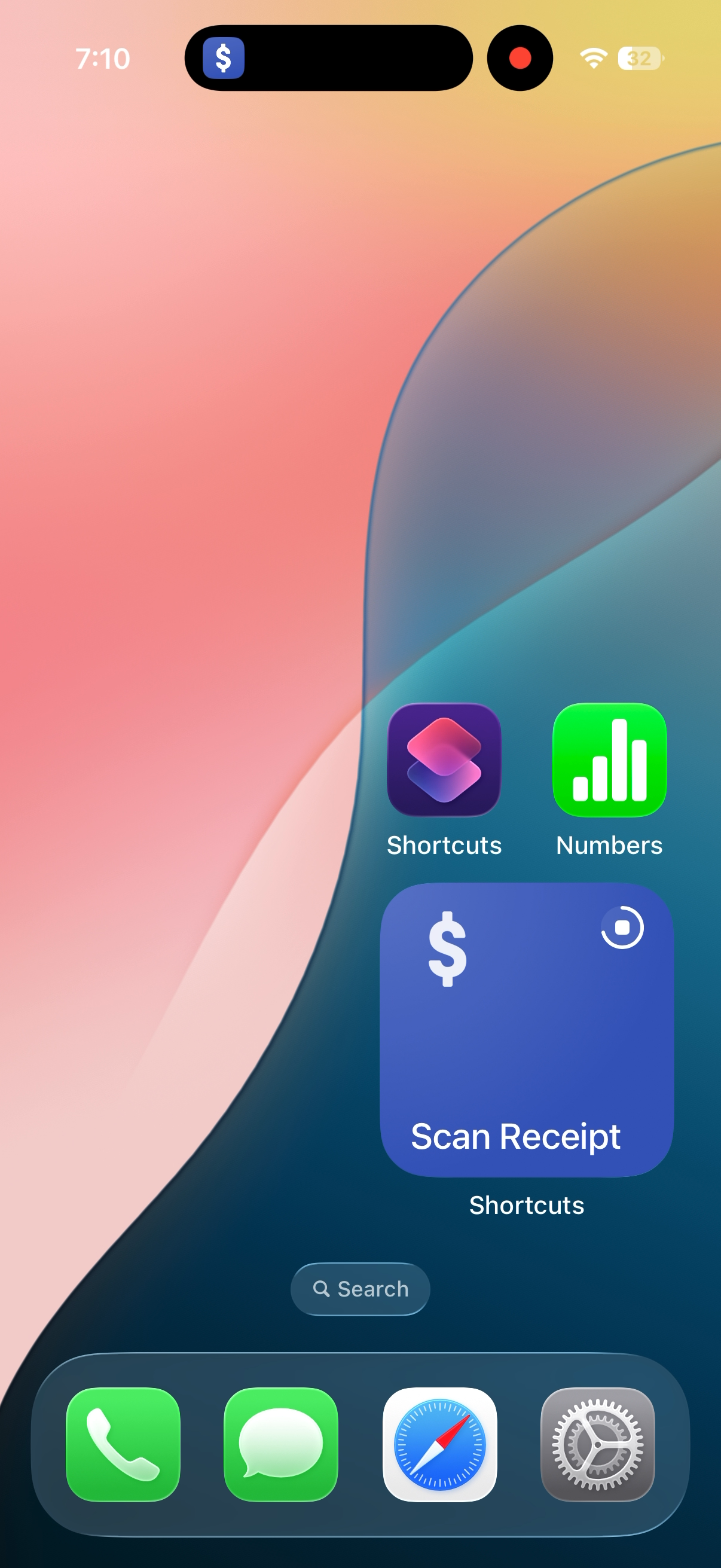
Confirm & save
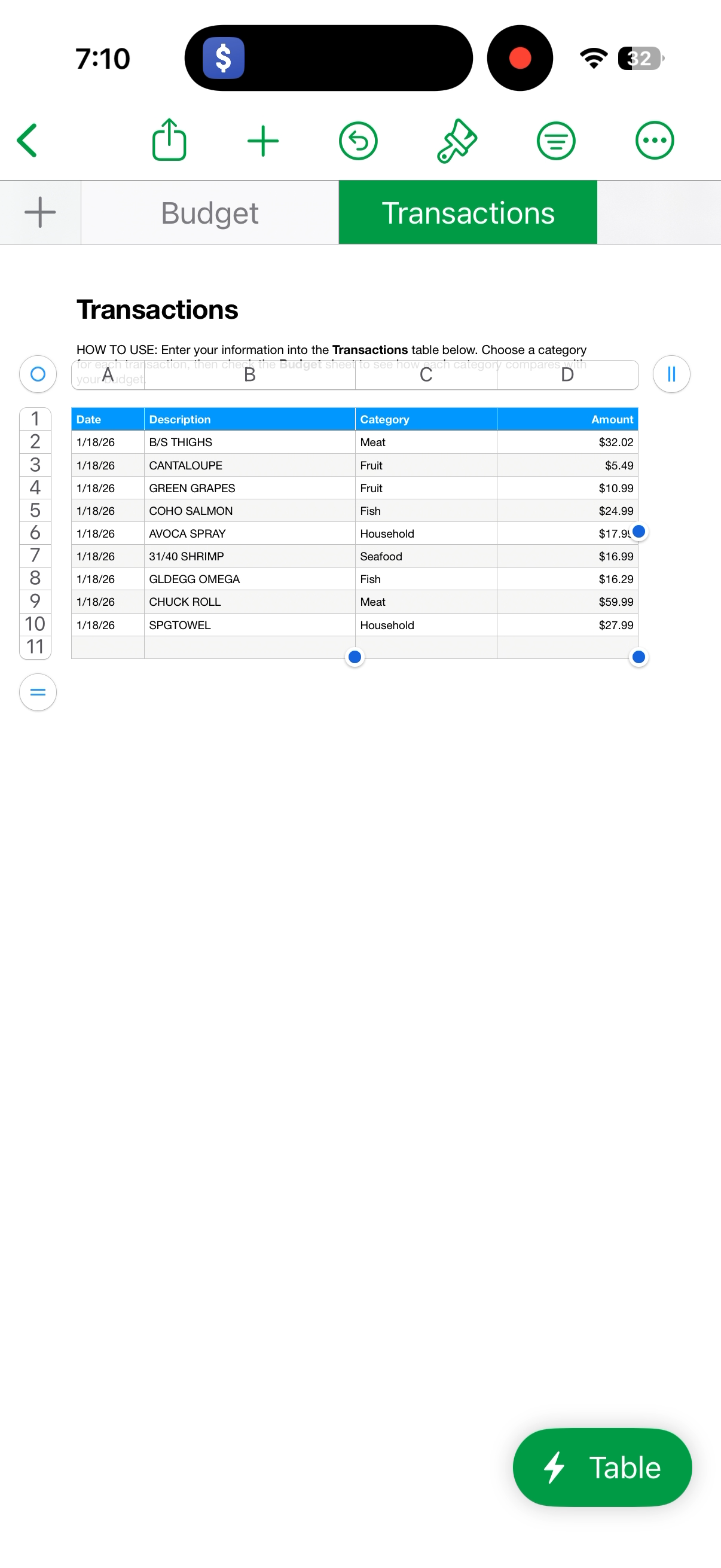
Success! View in Numbers
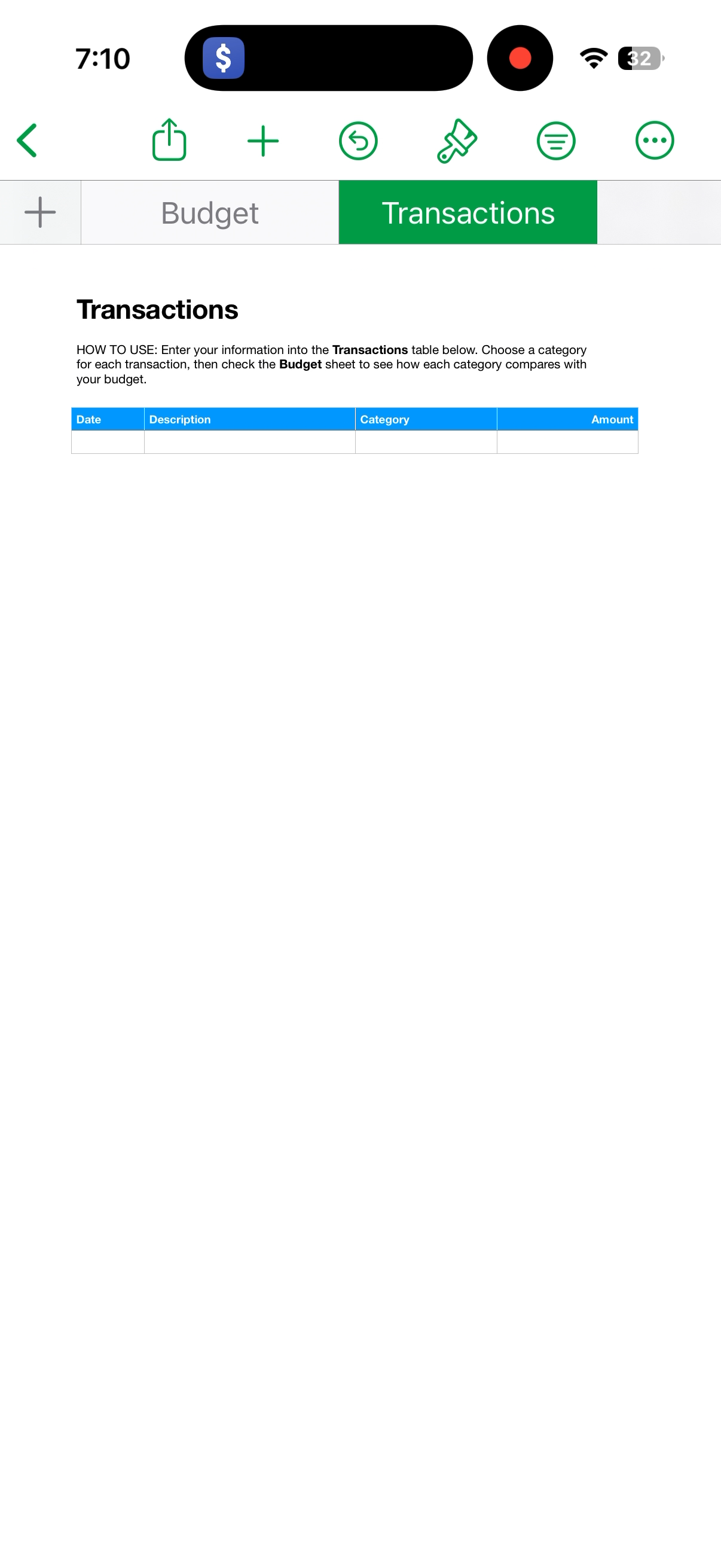
Before: Empty sheet
After: Data synced
Available Versions
Choose the version that fits your needs
Basic
Scan receipts and save to Apple Numbers
$0
USD- Smart Scanning
- Amount Extraction
- Numbers Sync
- Google Sheets Integration
- Priority Support
- Latest Update
Instant download
Pro
Power user features
$10
USD- Smart Scanning
- Amount Extraction
- Numbers Sync
- Google Sheets Integration
- Priority Support
- Latest Update
Pay once. Save money.
Requirements
- iPhone 15 Pro or later (Apple Intelligence support)
- iOS 26 or later
- Photos and Files access
- Numbers app with "Receipts" sheet
- (Pro) Google AppScript or Notion API configured
